
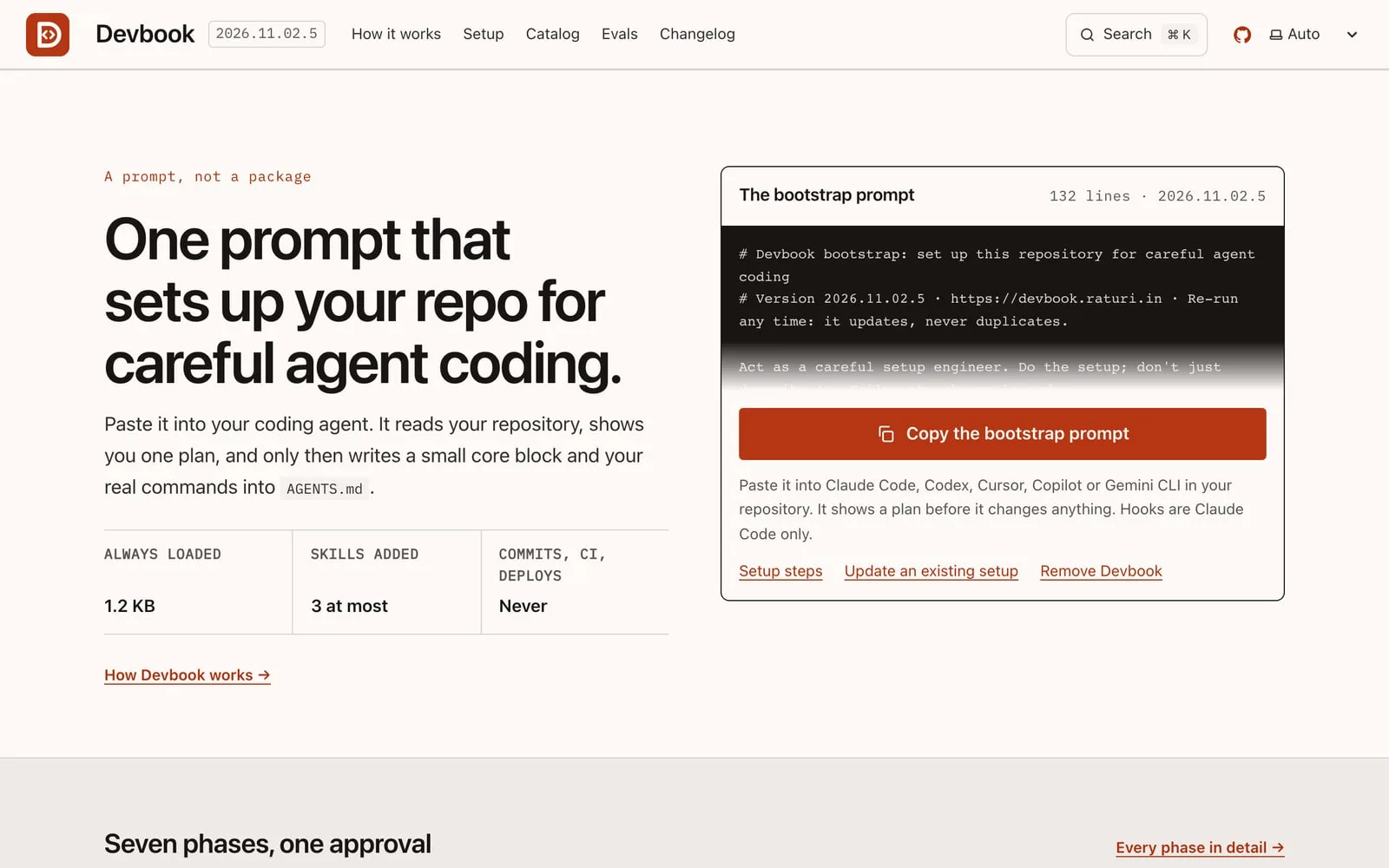
Devbook is one prompt that sets up your repository for careful agent coding. It’s a prompt, not a package: you paste it into your AI coding assistant, approve a plan, and it writes a short set of rules your assistant reads in every session.
It works with Claude Code, Codex, Cursor, GitHub Copilot and Gemini CLI. I’ve been building it in the open since October 2026, and the current version is 2026.11.02.5.
Who Devbook is for
Devbook is for developers who use AI coding assistants and want them to work carefully: check their work, ask before risky changes and follow the project’s own rules. It suits solo projects and teams that want every assistant in a repo to follow the same small set of rules.
Seven phases, one approval
The bootstrap prompt runs in seven phases.
- Phase 1 is read-only. The assistant looks at your repository and detects your stack.
- Nothing is written until you approve the plan in phase 2.
- Phase 7 writes
devbook.lock.jsonand ends by asking you to review and commit. The prompt never commits for you.
What your assistant gets
- The core block. An 11-line block, 1,180 bytes against a 2 KB budget, and the only part loaded in every session. Codex, Cursor and GitHub Copilot read it from
AGENTS.md. Claude Code readsCLAUDE.md, which starts with@AGENTS.md, and Gemini CLI hasAGENTS.mdadded to its context through.gemini/settings.json. Precedence is your request, then your rules, then the block. - Skills for your stack, only when they’re detected. Cloudflare, React best practices, Supabase, Expo, Stripe and Astral (uv and ruff).
- At most three optional skills or plugins. Security guidance and a language server are free and don’t count toward the cap. Devbook’s own optional skills cover API design, database migrations, feature docs, licensing and LLM security.
- Enforcement in Claude Code. Permission rules and hooks block
git pushand.envreads, and a hook stops edits to CI and deploy paths. Codex, Cursor, Copilot and Gemini CLI aren’t set up with enforcement; the core block asks instead.
Curated, not written
Devbook doesn’t rewrite what vendors already maintain. Its catalog lists 13 sources the prompt may install: 12 pinned vendor sources and Devbook’s own optional skills, which exist only where no vendor maintains one.
Measured with and without Devbook
The evals compare runs with Devbook against runs without it, in Claude Code. There are ten core cases, one per core rule, across three small sample repositories, plus one case per optional skill. Each case runs three times each way. A source or core line stays only while its score with Devbook is no worse than without it.
No measured results are published yet. They’ll appear on the evals page after the first run, then monthly. Other assistants and large, messy codebases aren’t measured.
Licence
The bootstrap prompt, core block, catalog, site code, scripts and evals are MIT-0. The optional skills and the three guides are CC BY 4.0. Vendor skills in the catalog keep their own licences. Details are on the licence page.
Frequently asked questions
Which AI coding assistants does Devbook support?
Claude Code, Codex, Cursor, GitHub Copilot and Gemini CLI.
Does Devbook commit anything to my repository?
No. Nothing is written until you approve the plan, and the last phase asks you to review and commit the changes yourself.
Does it load every rule in every session?
No. Only the 11-line core block loads in every session. Stack skills are added only when phase 1 detects that stack, with at most three optional extras.
Is Devbook open source?
Yes. Most of it is MIT-0, and the optional skills and guides are CC BY 4.0. The source is on GitHub.
Explore Devbook
- Read how Devbook works
- Set up Devbook in a project
- Browse the catalog
- See how the evals work
- Browse the source on GitHub
- This site follows Devbook too. See the editorial policy and privacy notice it asks for.